
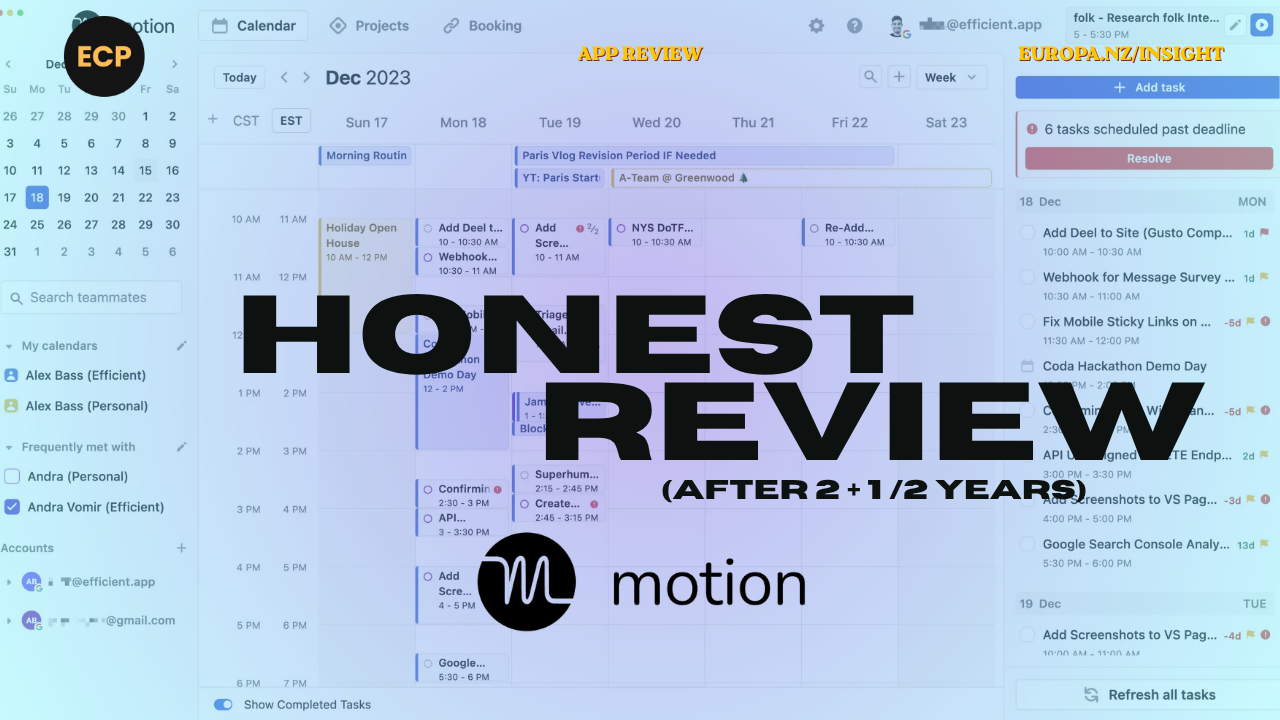
Motion’s ads were inescapable for a while. Eventually, I caved, mainly out of curiosity. That was over two years ago. Here’s what’s changed, what hasn’t, and whether it’s still worth your time and money.
Why I’m still using it (and why that’s unusual)
I hold no loyalty to any tool. Given how fast the AI and productivity space is moving, that’s the right stance.
When I switched from ChatGPT to Claude, I had ChatGPT write my own handover notes to migrate my custom GPTs into Projects. No sentiment. No hesitation. If a tool stops earning its place, it’s gone.
By that standard, Motion has had an unusually long run.
Most tools in my stack get three to six months before I move on. Motion has outlasted almost all of them, and in this category, that means something.
What the Motion app does well
The core value proposition is still solid. Here’s where it continues to earn its place:
Planning for deep work.
Motion is genuinely good at structuring your time around tasks of varying complexity. I’ve become a convert to aggressive time-blocking, and Motion is one of the better tools for making that work in practice, not just in theory.
Real-time rescheduling
When something urgent lands, Motion automatically reshuffles everything else. It’s oddly satisfying to watch. Think of it as an assistant who doesn’t complain when you blow up the plan mid-morning.
Multi-calendar merging
At Europa, we’re often embedded inside clients’ systems, with separate email addresses and separate calendars. Motion pulls them all together seamlessly: Apple, Google, Microsoft. The built-in scheduling tool (think Calendly, but integrated) works cleanly on top of that. For anyone managing multiple diaries, this alone is worth the price of entry.
Sales and marketing planning
This is where I get the most value personally. Planning weeks around outreach, follow-ups, and campaign activity. If your work runs on a repeating rhythm of tasks, as most founder and marketing workflows do, Motion handles that well.
Daily reminders
I’ve used habit and task tools for years to stay consistent with the daily routines that move the needle. Motion’s reminder feature covers that ground well. One honest gripe: if you complete a reminder but forget to log it, you can’t go back the next day (or afterwards) and tick it off. Small thing, but I need that serotonin hit.
What hasn’t improved (and should have)
The product feels like it hasn’t had a serious development sprint in a while. A few gaps stand out:
Recurring tasks aren’t project-linked
This is the most frustrating limitation. You still can’t assign recurring tasks to a specific project. If you’re tracking time or output against client work, you’re adding tasks manually every single time. That friction point should have been resolved by now.
The AI employees feature stalled
It launched with real promise, then quietly disappeared. My read is that it was pushed before it was ready, which is understandable when you’re running a fast-moving startup under resource pressure. But it left a visible gap where something genuinely useful was supposed to sit.
Pricing has become a blocker
I suspect I’m on a legacy plan because I don’t pay much. But when I’ve recommended Motion to others, the consistent feedback is that it feels expensive relative to what they get. For founders watching cash flow, that matters.
How I actually use Motion day-to-day
Solo, not team-wide.
My team runs on Productive for project management. That means I occasionally double-handle tasks between the two systems, not ideal, but a trade-off I’ve accepted. Motion earns its place specifically for personal planning and week-ahead thinking, and Productive handles everything collaborative.
If you’re expecting Motion to replace your project management tool across a team, it probably won’t. But if you’re a solo operator or founder managing a high volume of moving parts across your own calendar and workload, it remains one of the stronger options available.
Motion app pricing: what to know
Motion’s pricing has evolved since launch and is worth checking directly on their site, as plans and promotional rates change regularly.
What I’d flag:
- Solo plans are more justifiable than team plans at current pricing
- If you catch a promotional rate, lock it in, as legacy pricing appears to be significantly better value
- Compare against alternatives like Reclaim.ai or Sunsama before committing, especially if budget is a constraint
Note: Always check Motion’s current pricing page directly, as rates and plan structures are updated periodically.
Is the Motion app worth it?
For solo founders and operators: yes, with caveats.
If your week involves a lot of shifting priorities, multi-calendar coordination, and repeating task rhythms, Motion genuinely reduces cognitive load. The AI scheduling is still one of the better implementations in this category.
For teams: probably not as a standalone tool.
It works best as a personal layer on top of a project management system, not as a replacement for one.
The honest summary: Motion has earned its place in my stack, not without frustrations, and not without wishing the development pace were faster. But in a world where I’ve churned through more tools than I care to count, the fact that it’s still open on my screen every day is a meaningful endorsement.
Frequently asked questions
Is the Motion app worth it?
How much does Motion cost?
How does Motion compare to other AI planning tools?
Can Motion replace a project management tool?
Does Motion work with Google Calendar and Apple Calendar?
The bottom line
Motion has earned its place, not because it’s perfect, but because it consistently solves a real problem: helping you think clearly about your week before the week thinks for you.
If you want to build a system that actually works around your time, your priorities, and your workload rather than the other way around, let’s talk.
By Dave Hayward
Dave, the founder of Europa Creative Partners, is a dynamic marketing leader, specialising in B2B growth and a background in brand with over two decades of experience. He’s held senior roles at ARL, Journey Digital, and Datacom. Dave has led brand activations and marketing for global giants like ANZ and Nike and local heroes like Journey and Parkable.
If you know your business is all steak and needs some sizzle….. we’d love to hear from you.

Dave Hayward


Subscribe to Bright Objects Your essential marketing & tech insights
Warm personal stories wrapped around solid business, revenue and marketing strategy, how-tos, technology discussion (especially AI), philosophies and tactics. Occasionally, we’ll talk about personal productivity and things important to us (like astronomy and dogs).