I have a confession to make.
I love tidy books. I love the idea of having every receipt filed, every invoice sorted by vendor, and every financial record perfectly organised for my accountant.
But I do not have the bandwidth (or, let’s be honest, the consistency) to actually *do* it manually.
We often talk about AI in the context of massive transformation or content generation. But sometimes, the highest ROI comes from automating the stuff you hate doing so you can focus on the things you’re good at.
So, I asked Google Gemini to help me build an Invoice Saver. And it worked.
The Problem: The “Drudgery” of Admin
We all know the pain. You get an invoice. Sometimes it’s a nice clean PDF attachment. Sometimes—annoyingly—it’s just text in the body of an email.
To file it properly, you have to download it, rename it, navigate to the right folder in Drive, and save it. Multiply that by dozens of vendors and hundreds of emails a year, and you have a recipe for administrative chaos.
I wanted robots to do the work.
The Solution: A Simple Two-Part System
I didn’t hire a developer. I just prompted Gemini to write me a Google Apps Script that lives inside my workspace. It handles the process in two specific ways:
1. The Attachment Hunter
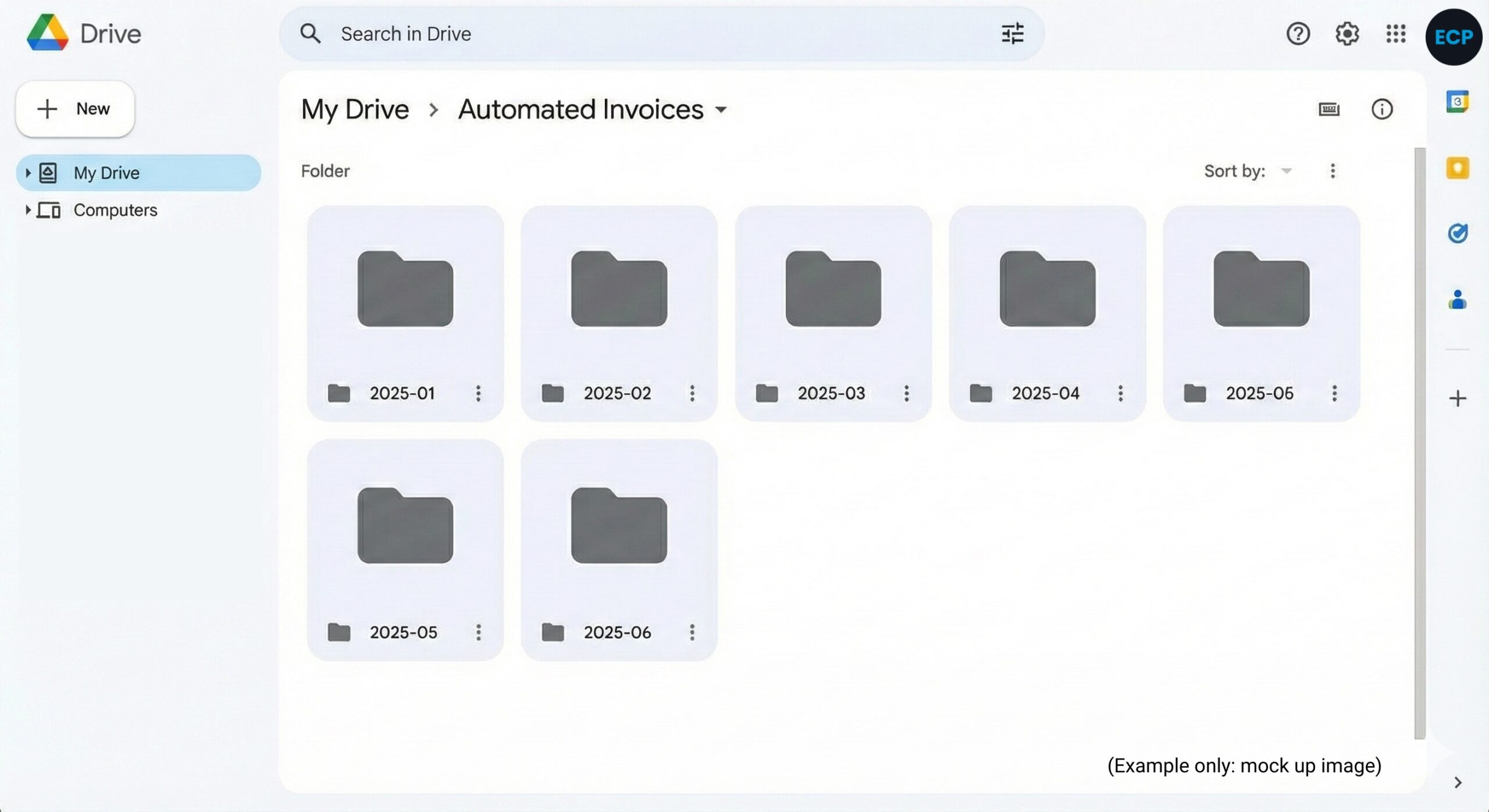
The first script monitors my emails for invoices with attachments. It automatically grabs the file and drops it into a specific Vendor folder in Google Drive, sorting it neatly by Year-Month.
2. The Inline Converter
This was the game-changer. For those annoying emails where the invoice is just text in the body, the second script converts that email body into a PDF and files it away in the same structured folders.
Steal My System
This is a small thing, but it is a perfect example of how AI can handle the “drudgery” so we can focus on the strategy.
I’m not going to gatekeep this. If you want to build this yourself, I have put the exact prompts I used into a Google Doc. You don’t need to know how to code; you need to know how to copy and paste.
[Get the Invoice Saver Prompts here]
Stop filing invoices. Let the robots do it.
If you know your business is all steak and needs some sizzle….. we’d love to hear from you.

Dave Hayward


Subscribe to Bright Objects Your essential marketing & tech insights
Warm personal stories wrapped around solid business, revenue and marketing strategy, how-tos, technology discussion (especially AI), philosophies and tactics. Occasionally, we’ll talk about personal productivity and things important to us (like astronomy and dogs).